Skip to content
livestreaming vs videoconferencing
webinar livestream web conferencing

Videoconferencing vs. Livestreaming: Which Format Is Right for Your Event?

Plum Staff
Plum Staff

If you're planning a virtual or hybrid event, one of the first questions that comes up is:

Should this be a videoconference or a livestream?

At a glance, they can seem similar. Both happen online. Both connect people in different locations. But they’re built for very different outcomes.

And increasingly, the right answer isn’t one or the other.

The Short Answer

  • Videoconferencing is designed for interaction
  • Livestreaming is designed for reach and control
  • Most mid-to-large events use a combination of both

The decision isn’t about the platform—it’s about what you need the event to accomplish.
What Is Videoconferencing?

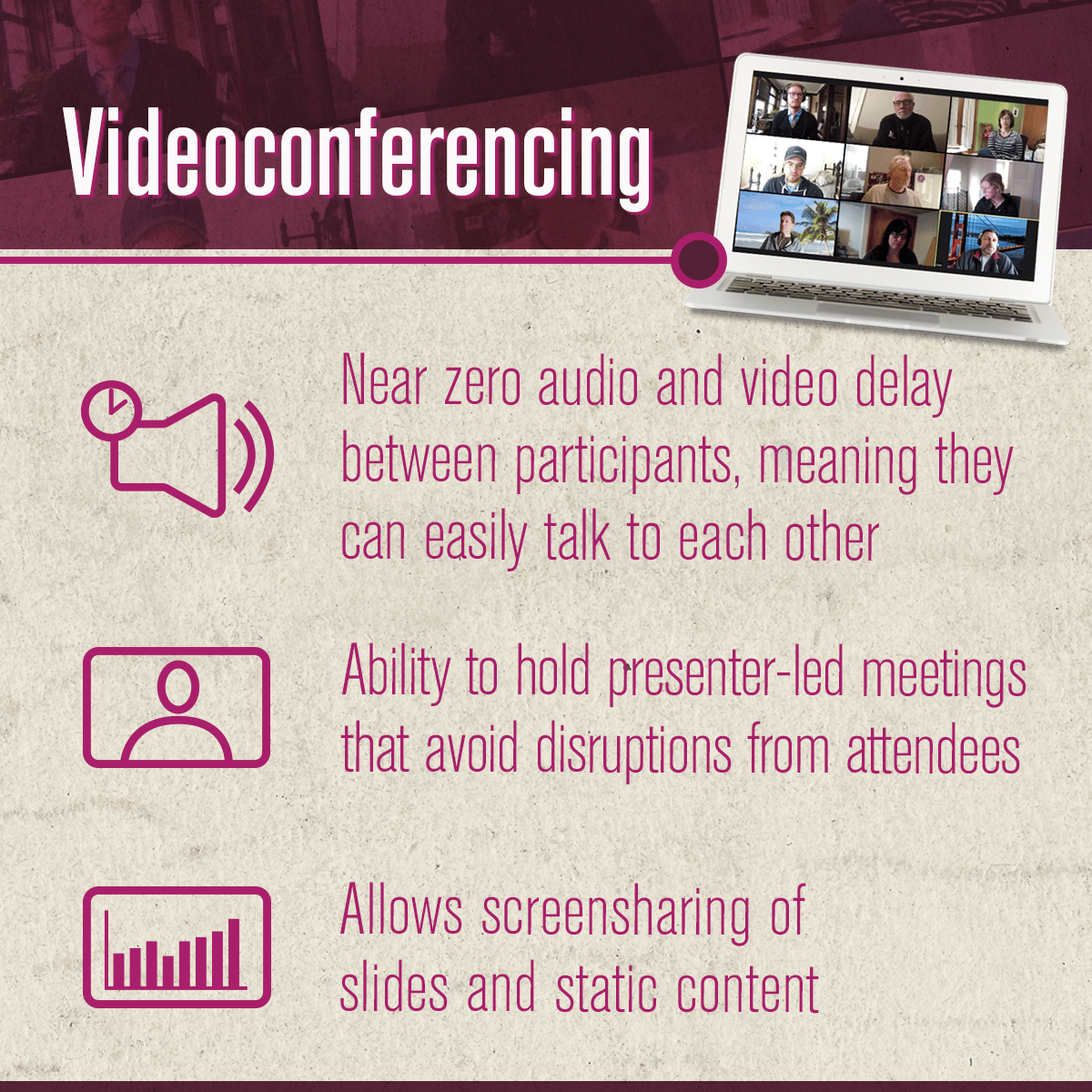
When to use video conferencing Videoconferencing platforms like Zoom, Microsoft Teams, or Google Meet are built for two-way communication.

Everyone can typically:

  • Join with audio and video
  • Share screens
  • Participate in discussion

It’s a good fit for:

  • Internal meetings
  • Team collaboration
  • Small group training sessions
  • Working sessions where participation matters more than presentation

It’s flexible, fast to set up, and familiar to most users.

But that simplicity comes with tradeoffs.

Where Videoconferencing Starts to Break Down

Video conferencing works well until the audience grows or the stakes increase.

Common challenges:

  • Inconsistent video and audio quality between presenters
  • Limited control over the viewer experience
  • Awkward transitions between speakers
  • A “meeting” feel when you need a more polished presentation

This shows up quickly in:

  • Executive town halls
  • External-facing webinars
  • Multi-presenter sessions
  • High-visibility internal communications

At that point, the format starts working against the message.
What Is Livestreaming?

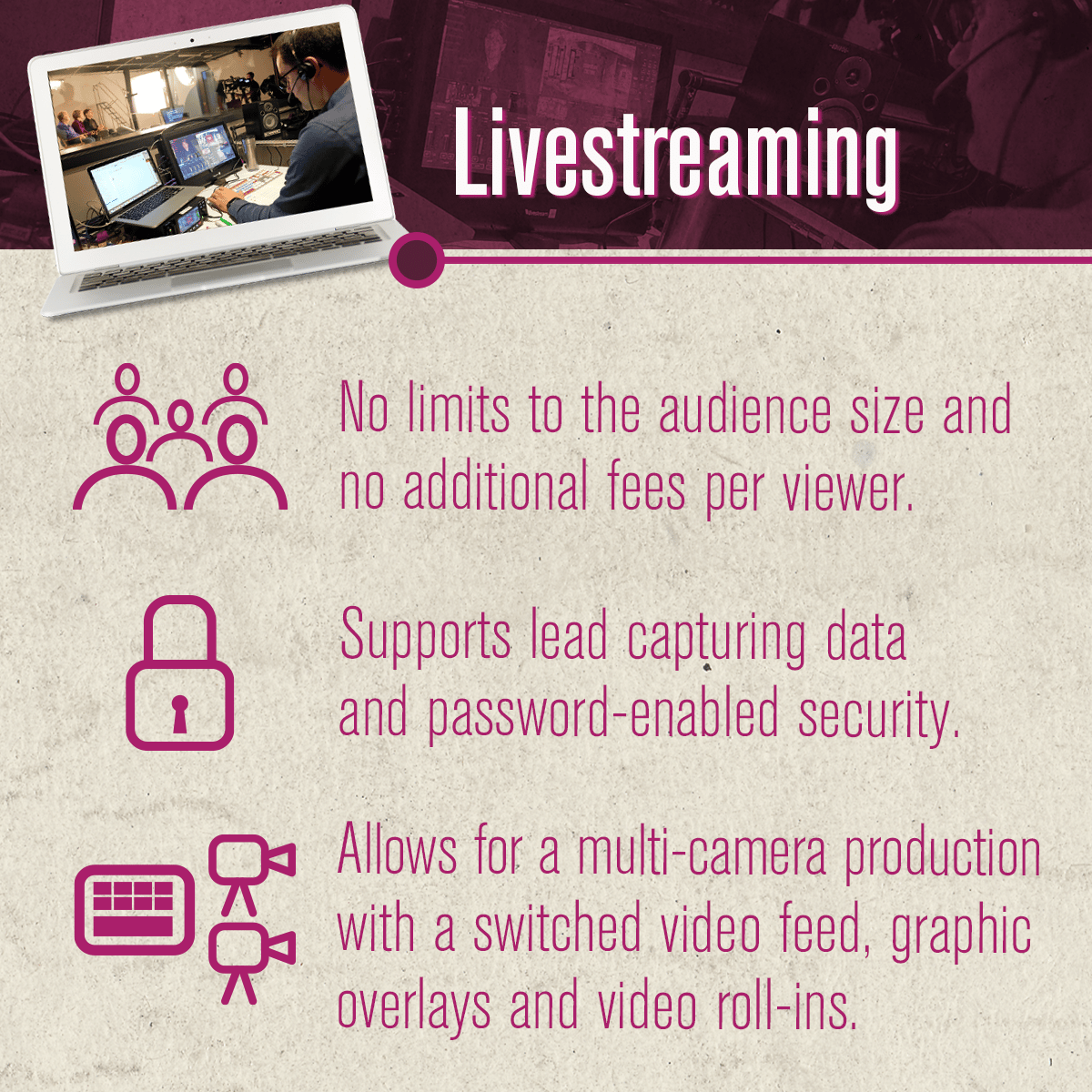
Livestreaming_infographic_v1Livestreaming is built for one-to-many communication.

Instead of everyone broadcasting themselves, content is produced centrally and delivered to an audience watching in real time.

Viewers typically:

  • Watch a curated feed
  • Interact through chat, Q&A, or moderated tools
  • Experience a consistent, controlled presentation

Livestreaming is a better fit for:

  • Large internal communications
  • External events and thought leadership
  • Conferences and general sessions
  • Training delivered at scale

It allows you to control how the content looks, sounds, and flows—similar to a broadcast.

What Livestreaming Solves

Compared to videoconferencing, livestreaming gives you:

  • Consistency
    Audio, lighting, and visuals are managed centrally
  • Control
    You decide what the audience sees and when
  • Scalability
    Works for dozens or thousands of viewers
  • Stronger presentation quality
    Graphics, video playback, and transitions feel intentional

That matters when the content reflects your leadership, brand, or strategy.

The Reality: Most Events Use Both

In practice, many events don’t fit neatly into one category.

You might have:

  • Remote presenters joining from different locations
  • A live audience and a virtual audience
  • Interactive segments alongside broadcast-style content

That’s where hybrid production comes in. 

What a Hybrid Approach Looks Like

In this use case, we aren't talking about some audience being in person, while some are virtual. This hybrid set up refers to taking the best of a videoconference and a livesteam. Then combining them into a seemless event.

A hybrid setup might include:

  • Remote speakers joining via Zoom or Teams (this is your "backstage" area)
  • A central production team managing the livestream
  • Graphics, slides, and video integrated into the program
  • Distribution to internal platforms, external audiences, or both

From the audience perspective, it feels like a single, cohesive event.

Behind the scenes, it’s a coordinated production.

When It Makes Sense to Bring in a Production Partner

Not every event needs full production. But there’s a clear point where it starts to matter.

Consider bringing in a partner when:

  • The event represents leadership or your brand externally
  • You have multiple presenters or locations to coordinate
  • The audience size is large or highly visible
  • You need the content to live beyond the event itself
  • There’s little room for technical issues or failure

This is where planning, structure, and execution make a noticeable difference.

How Plum Media Approaches It

At Plum Media, this isn’t treated as a platform decision. It’s a planning decision.

Producers work with you to:

  • Define the right format based on your audience and goals
  • Combine videoconferencing and livestreaming where it makes sense
  • Build a clear run-of-show and presenter flow
  • Manage production across studio, on-location, and remote environments
  • Capture content for post-event use

The goal is simple: the format should support the message and not get in the way of it.

Not Sure Which Direction to Go?

If you’re weighing videoconferencing vs. livestreaming, you’re really deciding how your audience should experience the content.

And in many cases, the best answer is a mix of both.

We can help map out the right approach based on your audience, timeline, and risk level before you commit to a format.
Talk to a producer


Share this post